
User Management
User management can be accessed by admins (users in the auth_admins group) in the sidebar under Invitations and Users.
IMPORTANT
Users cannot be created, only invited. This means an end-user will always be able to choose their own password, though the admin can choose their username and initial profile settings.
Invitations
The Invitation Create/Update page.
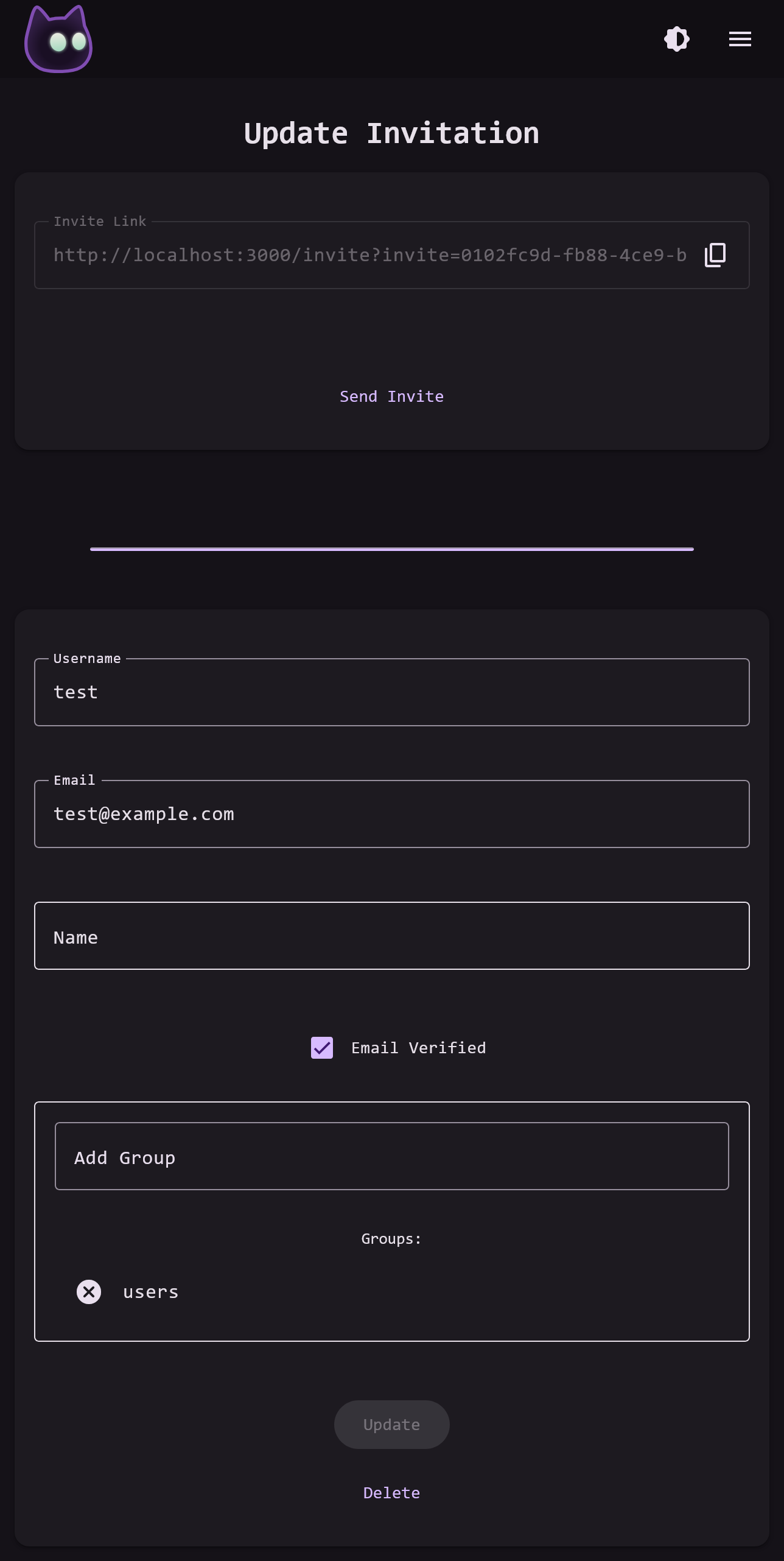
When an invitation is created, the future-user's username and initial profile settings can be chosen. Any fields that are not filled in can be filled by the user when accepting the invitation, though either the username or email must be pre-filled. The users initial security groups can also be selected here.
Once the invitation is created, the invitation link will be generated and displayed at the top of the page. The invitation link can be sent by email if the invitation has an email address attached and VoidAuth is connected to an email provider, or the link can be copied and sent directly.
IMPORTANT
Invited users are always 'approved', and if an admin set their initial email address that email will be verified when they accept the invitation.
Users
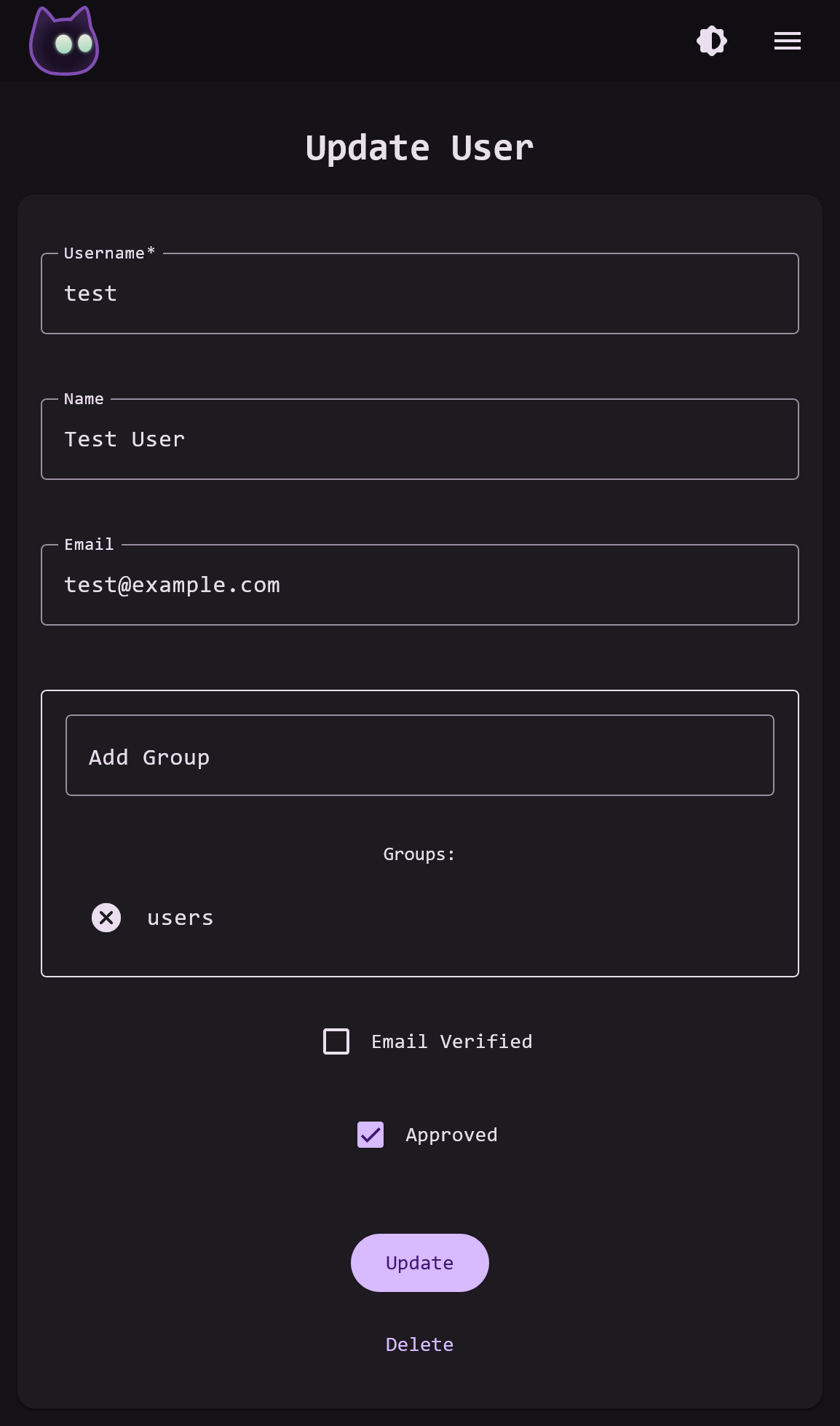
On the User page, all of the user's profile details and settings can be changed. The user's security groups, custom claims, email verification, and approval status can also be set.
Custom Claims
Custom claims let you add extra data to a user that is included in OIDC tokens and user-info responses. Some OIDC Apps allow or require custom claims to control aspects of an account, such as storage limits or roles.
Custom claims can be set directly on a user or inherited from one or more groups. The effective set of applied claims for a user is calculated automatically and shown on the admin user page. Claims are name/value pairs that are attached to a user or a group. When a token is issued, the value is parsed with JSON.parse(...) to determine its type before it is sent. If parsing fails, the value is sent as a raw string.
This means you can send simple strings, numbers, objects, or arrays as values of a custom claim.
Priority and merging
Claims are applied in the following order:
- Claims assigned directly to the user.
- Claims from the user's groups, added only if the claim name is not already present from the user or a higher-priority group.
If a user belongs to multiple groups that define the same claim name, the group that sorts earlier alphabetically by name is applied. Later groups are ignored for that claim name.
You can see all of a user's custom claims on their admin user page. Claims that are overridden by a higher-priority source are shown greyed out and marked as not applied.
Value formats
Custom claim values are stored as text and parsed when applied. Examples:
// Un-quoted value that fails `JSON.parse`, parsed as a raw string by default
abc

// A number
123

// A quoted value is always parsed as a raw string
"123"

// This value is parsed by `JSON.parse` as an `object`
{"key": "value", "another_key": 1}

// This value is parsed as an array of assorted items
["abc", "xyz", 123, "-_-"]