
OIDC App Setup
When setting up OIDC Apps you should follow the guide provided by the 'Client' application. You can create a new OIDC App from the admin OIDC page. An example App OIDC documentation guide:
Client ID: your-client-id
Client Secret: your-client-secret
Redirect URLs: https://client-domain.com/oidc/callback
Auth Method: Client Secret Post
Response Types: code
Grant Types: authorization_code
Could be filled out in VoidAuth as follows:
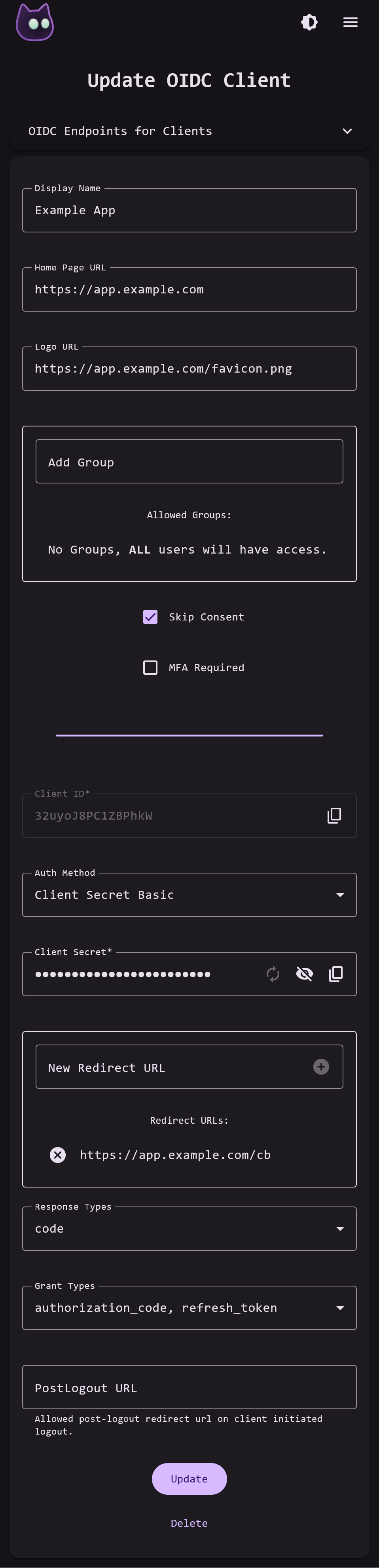
If a configuration property is omitted from an OIDC App Guide it is likely that the default value will work. The OIDC App page also includes optional configurations at the top such as Display Name, Logo URL, Groups, Skip Consent, and MFA Required.
IMPORTANT
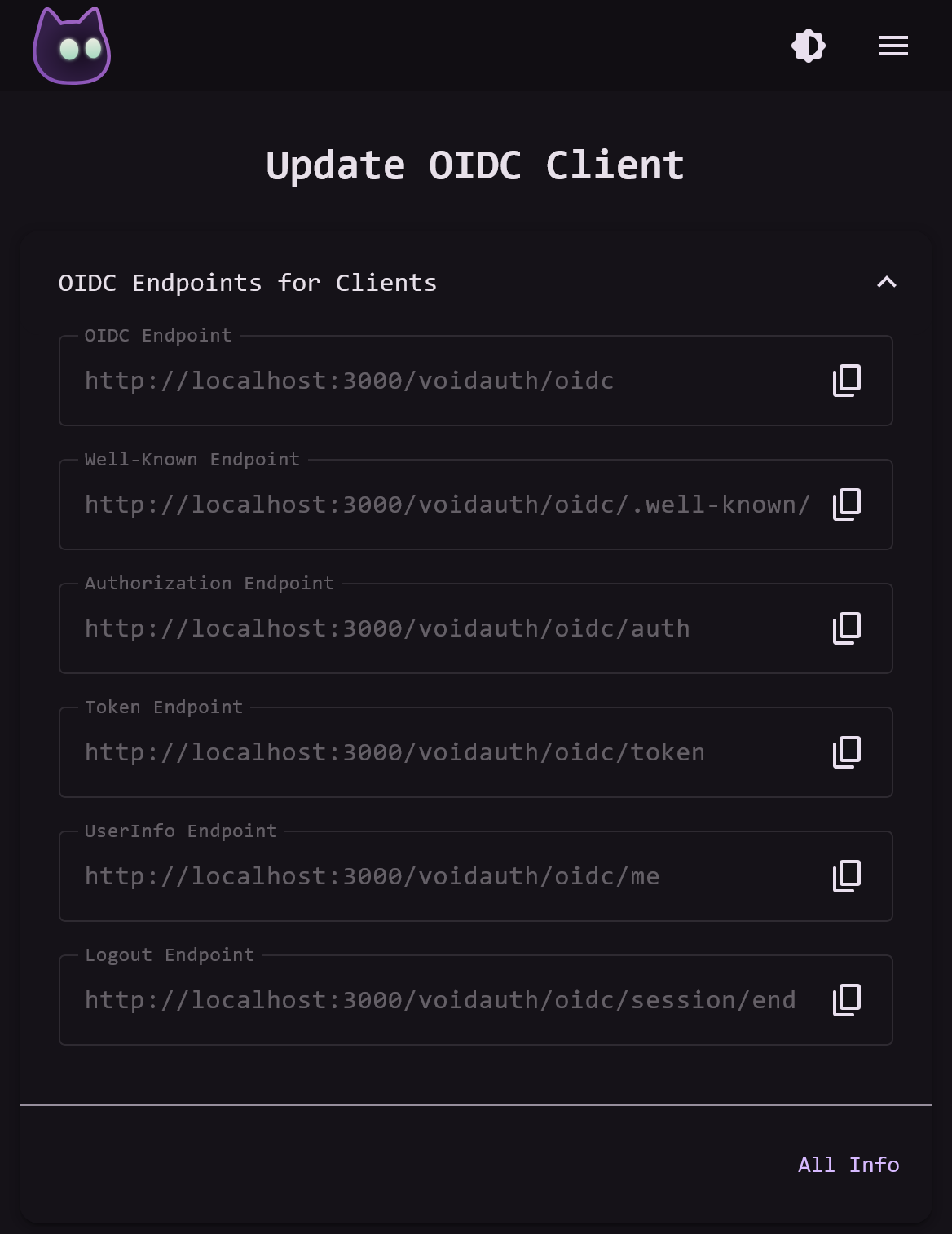
At the top of the OIDC App pages there is a drop-down panel with info about the VoidAuth OIDC Provider that the 'Client' application will probably need during its OIDC setup.
NOTE
The Redirect URLs and PostLogout URL fields support wildcards, though care should be taken when using them. Please make sure to follow application documentation when using wildcard Redirect URLs.
The OIDC App page starts with sensible defaults, but you must follow the application OIDC setup guide parameters exactly or it is likely your OIDC integration will not work. You can see setup guides for some applications on the OIDC App Guides page.
Declared OIDC Apps
VoidAuth also supports declaring OIDC Apps through environment variables and docker labels. Declared OIDC Apps are stored in memory and take priority over OIDC Apps with the same client-id that have been configured through the web interface.
An OIDC App can be configured via environment variables as follows:
OIDC_<client-id>_CLIENT_SECRET="1234"
OIDC_<client-id>_CLIENT_REDIRECT_URLS="https://example.com, https://test.example.com"
etc...
Or an OIDC App can be configured through docker labels as follows:
# client id inferred from container name
voidauth.enable=true
voidauth.oidc.<client-id>.client_secret=1234
voidauth.oidc.<client-id>.client_redirect_urls=https://example.com, https://test.example.com
etc...
As docker containers on the same host start, stop, and restart; VoidAuth will be notified and update its configurations accordingly.
Due to the nature of the configuration options, there are limitations on Declared OIDC Apps. Environment Variable Declared OIDC Apps may not have _ in their client-id, and similarly a Docker Label Declared OIDC App client-id may not contain ..
All the configurable variables can be found below:
| Variable | Default | Possible Values |
|---|---|---|
| CLIENT_DISPLAY_NAME | ||
| CLIENT_HOMEPAGE_URL | ||
| CLIENT_LOGO_URL | ||
| CLIENT_SECRET | ||
| CLIENT_AUTH_METHOD | client_secret_basic | client_secret_basic, client_secret_post, none |
| CLIENT_GROUPS | ||
| CLIENT_REDIRECT_URLS | ||
| CLIENT_RESPONSE_TYPES | code | code, id_token, token, none |
| CLIENT_GRANT_TYPES | authorization_code, refresh_token | authorization_code, implicit, refresh_token |
| CLIENT_POST_LOGOUT_URLS | ||
| CLIENT_SKIP_CONSENT | false | true, false |